DM Tools
Image generation and asset management
AI Image Generator
Generate custom images for NPCs, locations, items, and maps using the Gemini AI. Run the following commands from the project root directory.
Quick Start
# Interactive mode - guided image generation
python3 generate_images.py --interactive
python3 generate_images.py --interactive
Command Examples
Generate NPC Portrait
python3 generate_images.py --type npc --name "Character Name" --description "Physical description..." --role villain
Roles: villain, ally, neutral, employer
Generate Location
python3 generate_images.py --type location --name "Place Name" --description "Description of the place..."
Generate Item
python3 generate_images.py --type item --name "Item Name" --description "Description of the item..."
Generate Map (Pro Model)
python3 generate_images.py --type map --name "Map Name" --description "Floor plan details..."
Generate Dungeon Layout (Pro Model)
python3 generate_images.py --type dungeon --name "Dungeon Name" --description "Layout details..."
Generate Multiple Variations
python3 generate_images.py --type location --name "Tavern" --description "..." --num 3
Models Used
- gemini-2.5-flash-image - NPCs, Items, Locations (fast, good quality)
- gemini-3-pro-image-preview - Maps, Dungeon Layouts (complex/detailed)
Asset Gallery
Click any image to show it on the Player Display. All generated images are stored in website/images/
NPCs
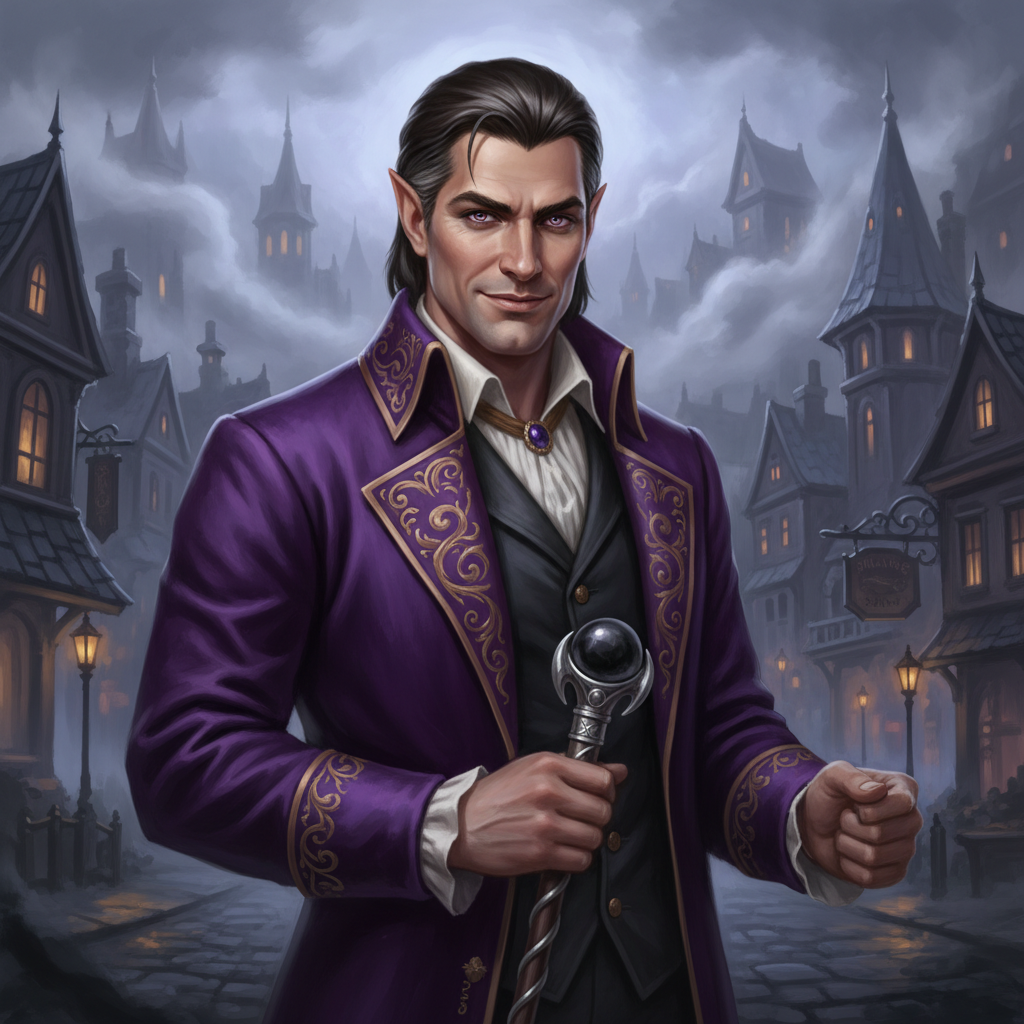
Marcel Silvertongue
Employer
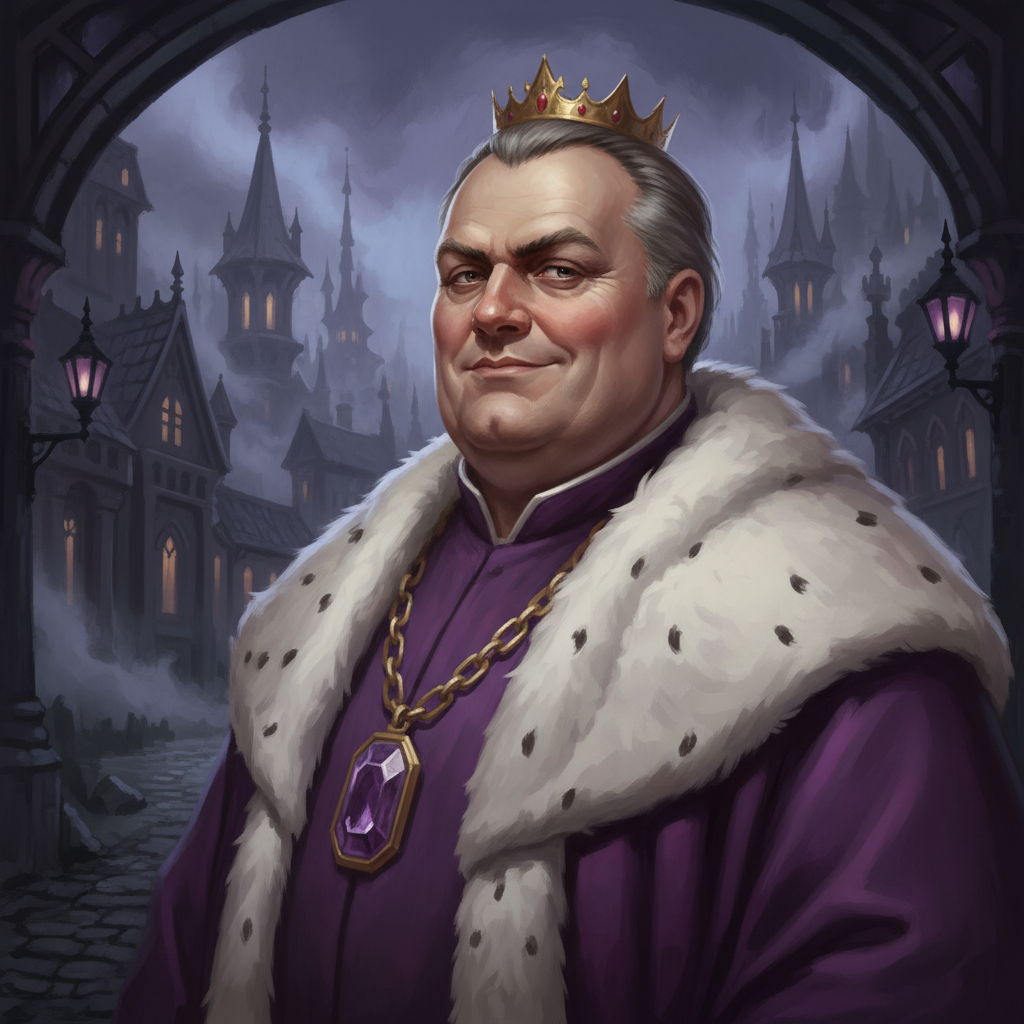
Duke Haverfort
Neutral
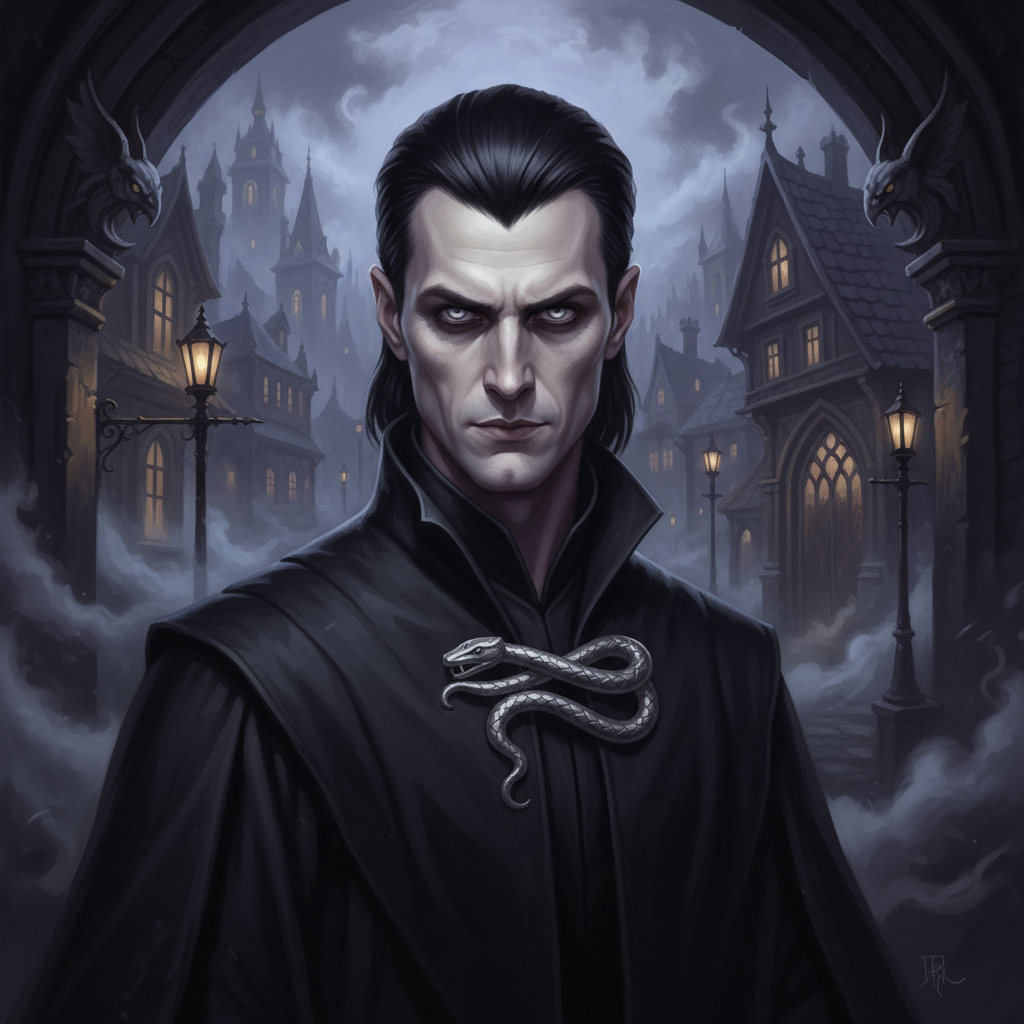
Lord Cedric Voss
Villain
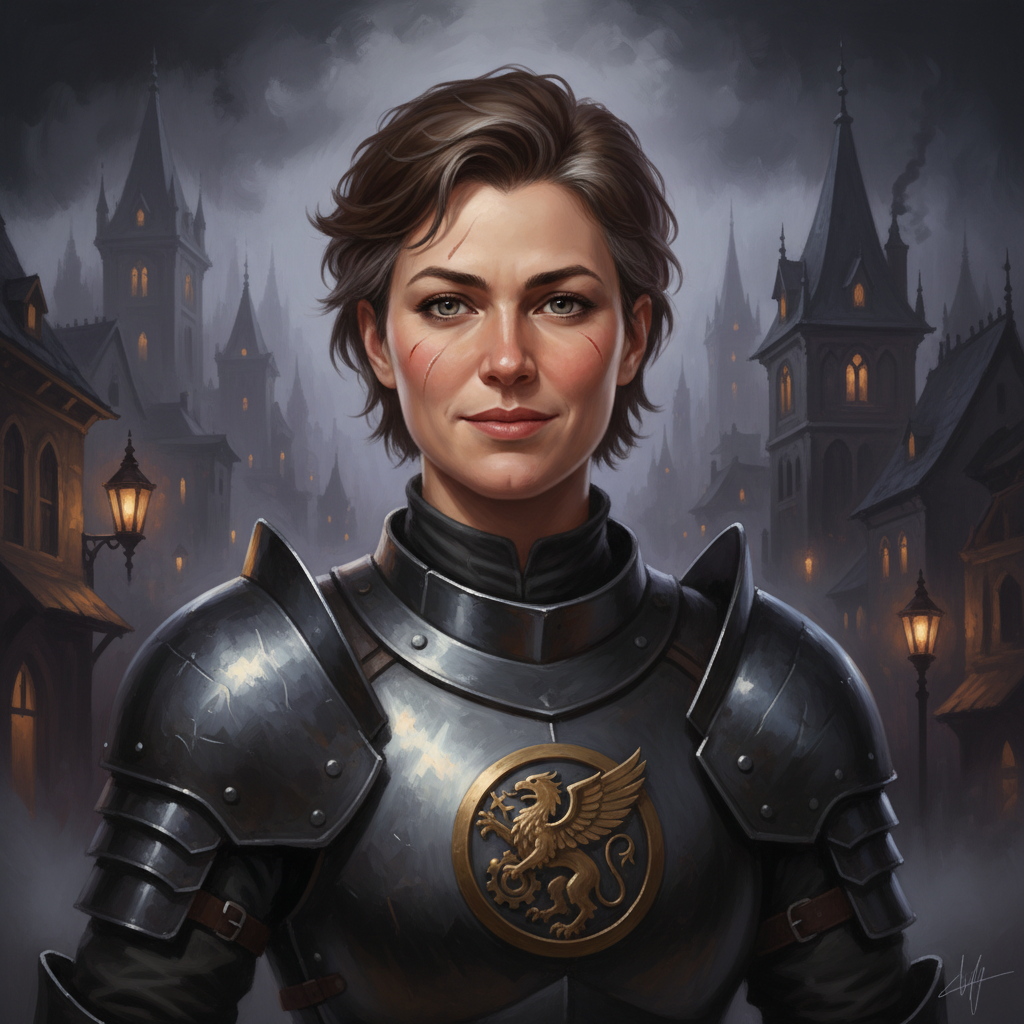
Captain Yelena Arden
Ally
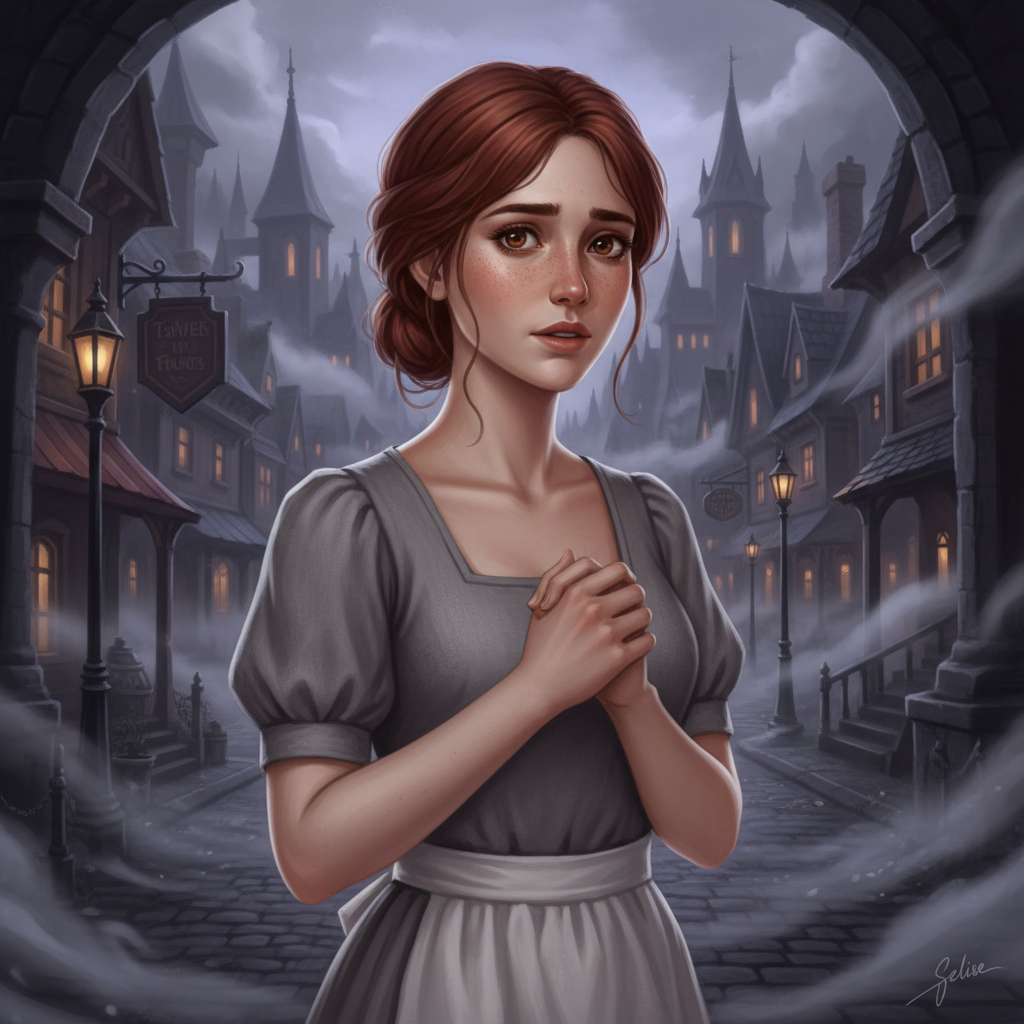
Selise Montclair
Ally
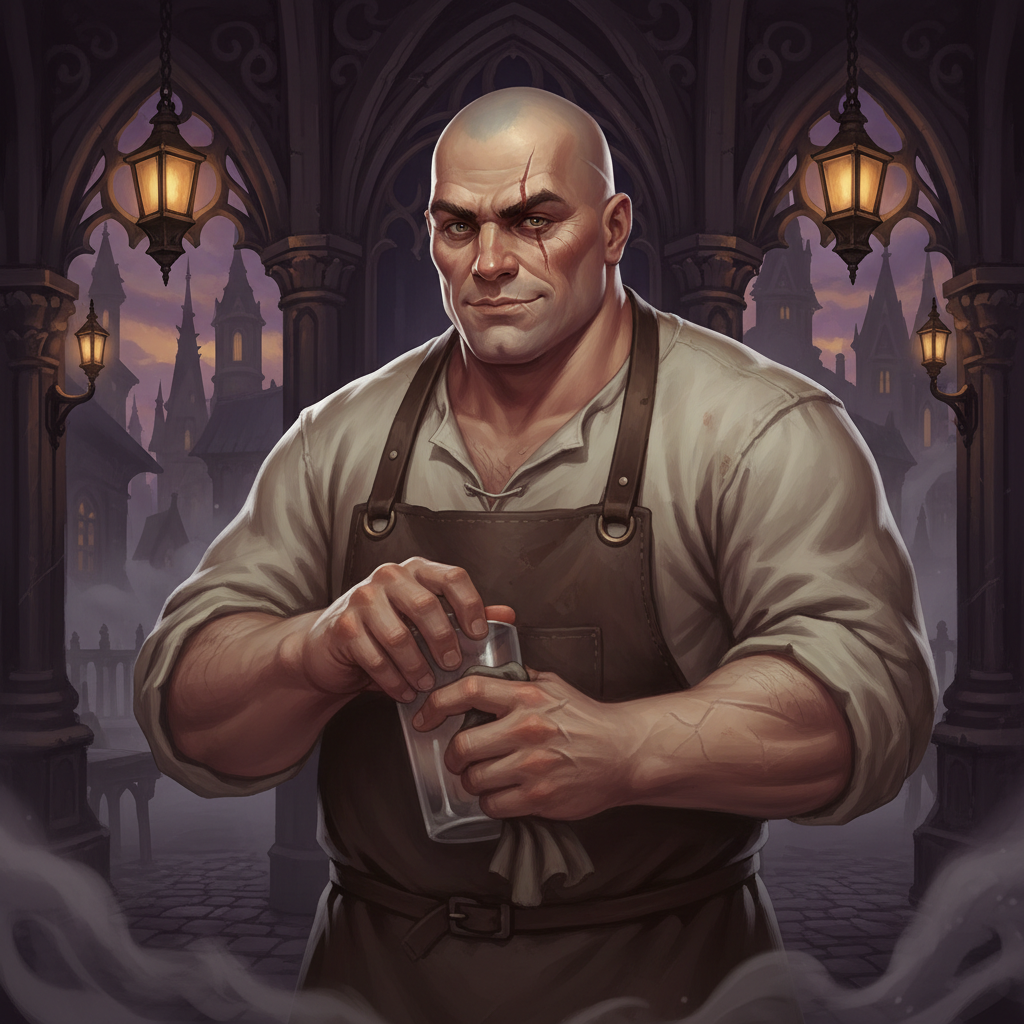
Grimshaw
Neutral
Locations
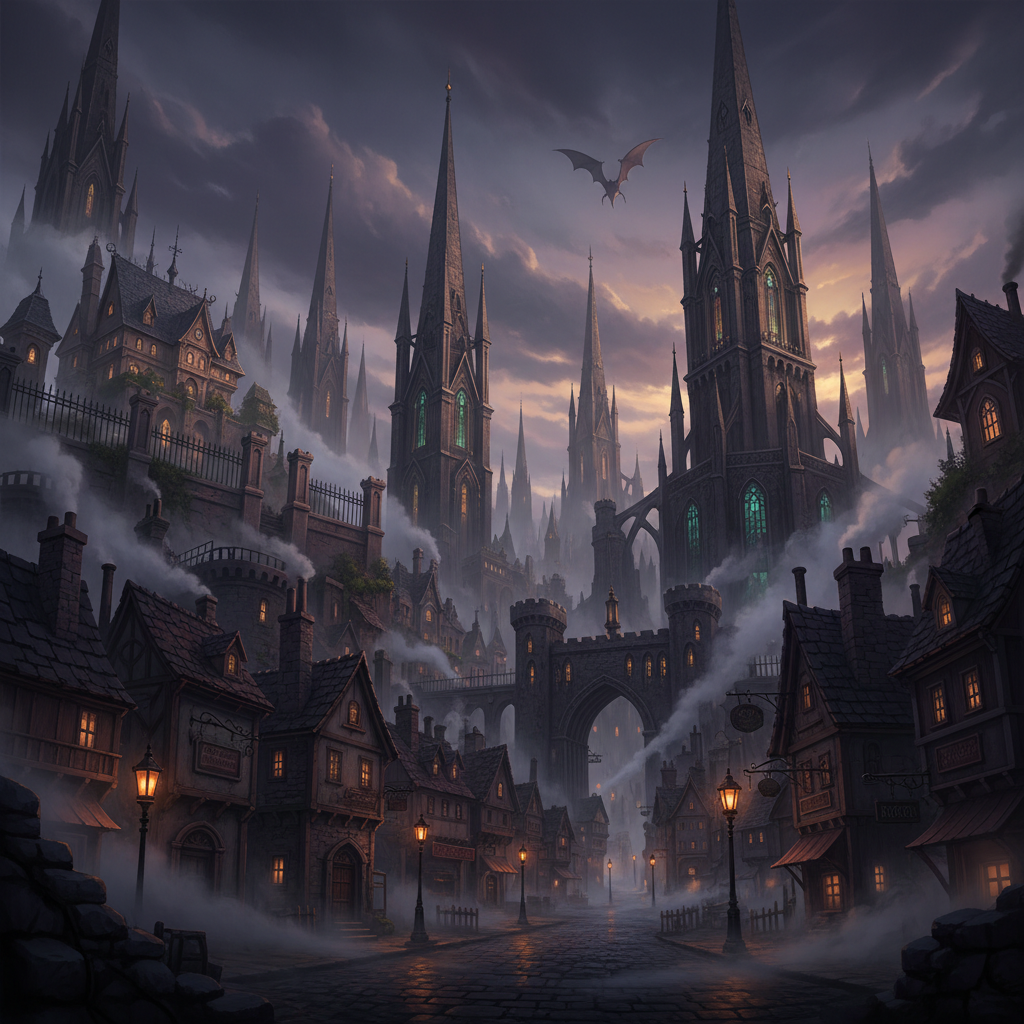
Hollowspire City
City
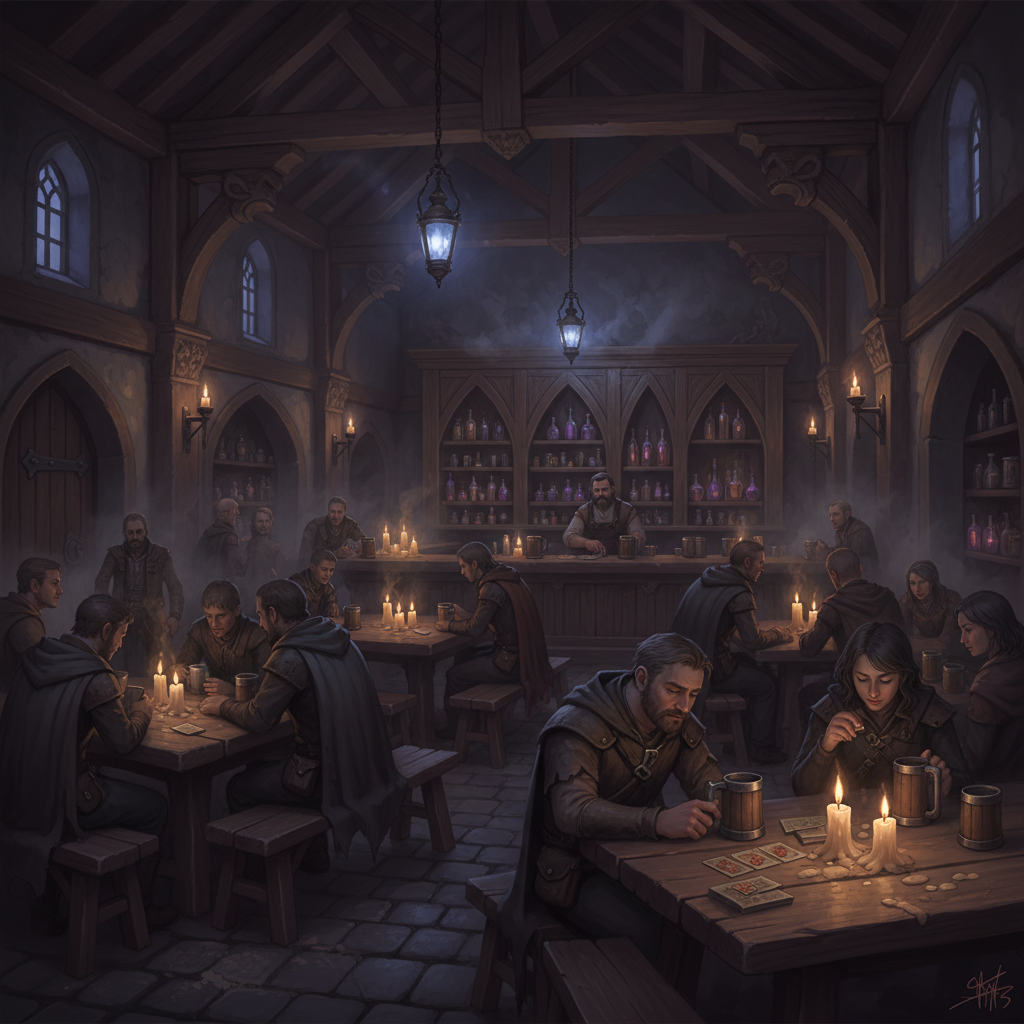
The Drunken Dragon
Tavern
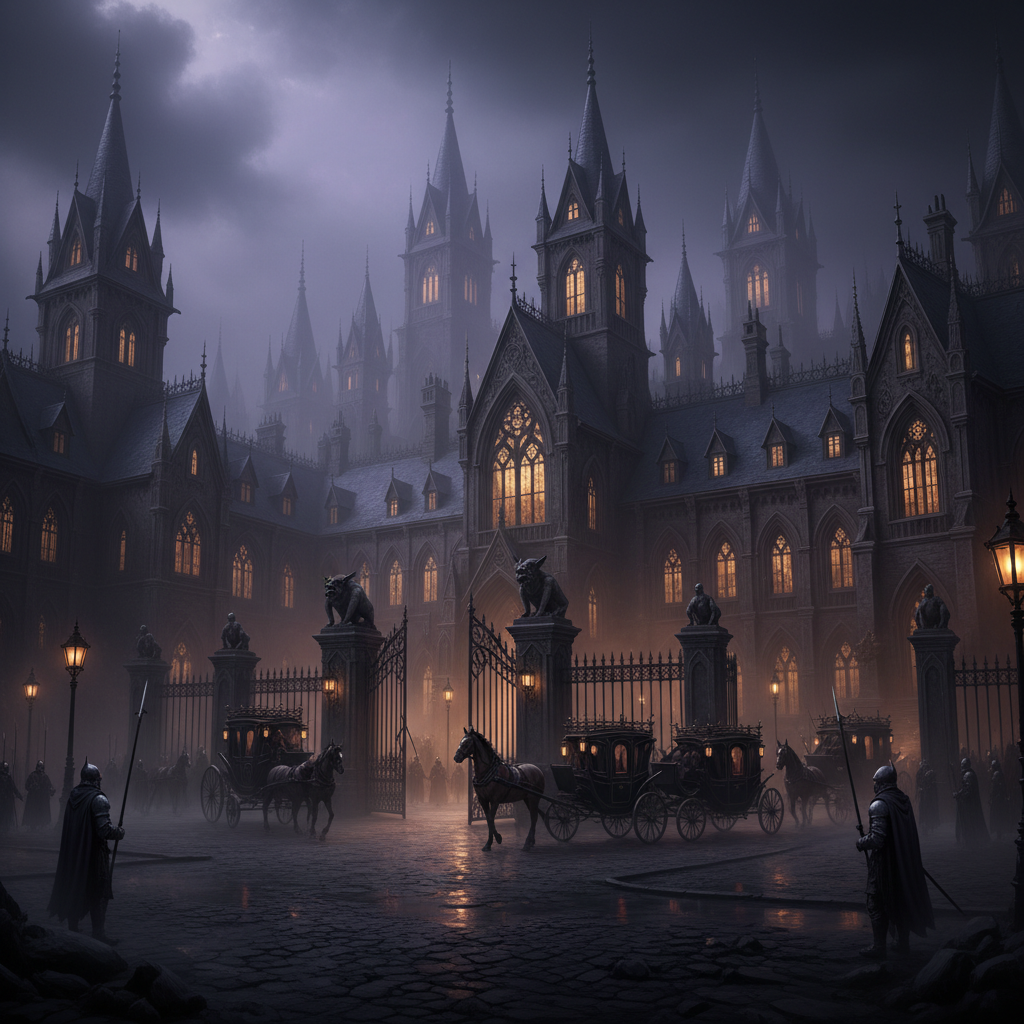
Duke's Manor
Estate
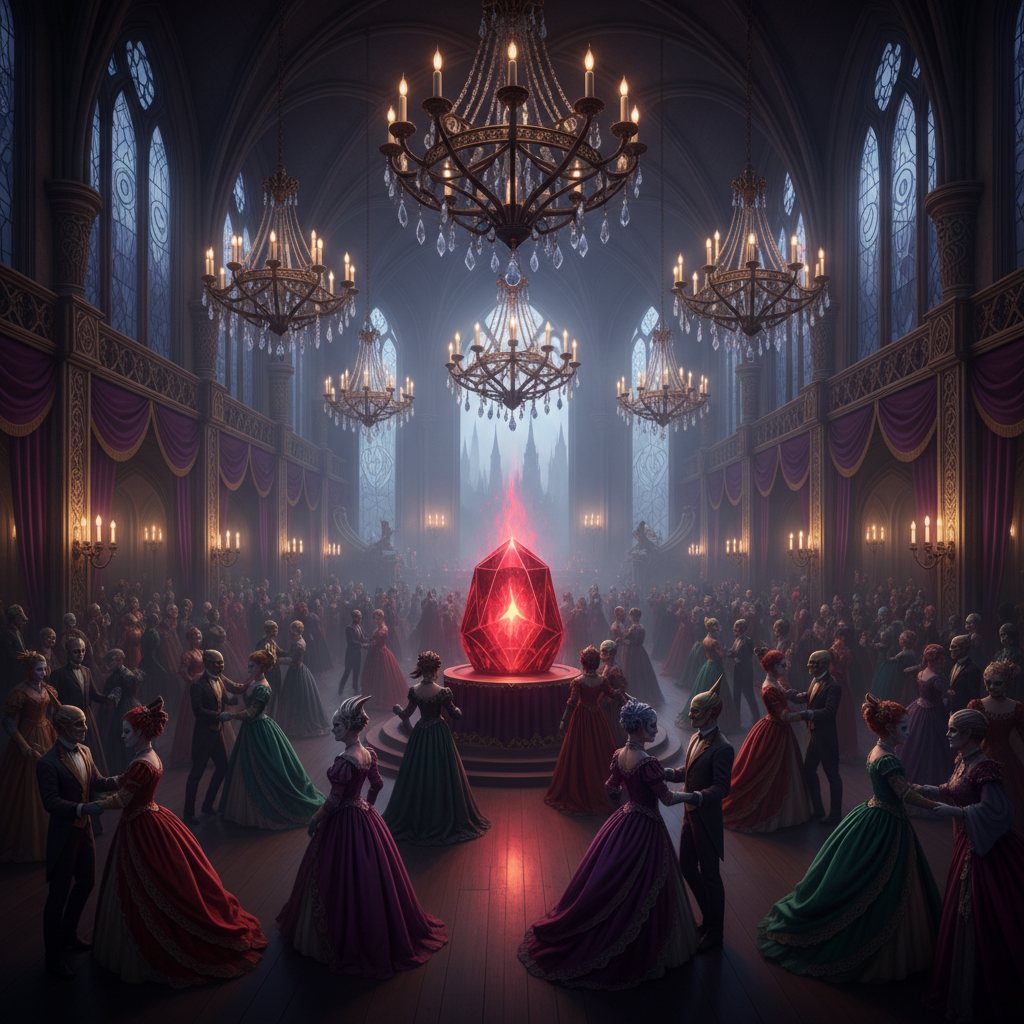
Grand Ballroom
Interior
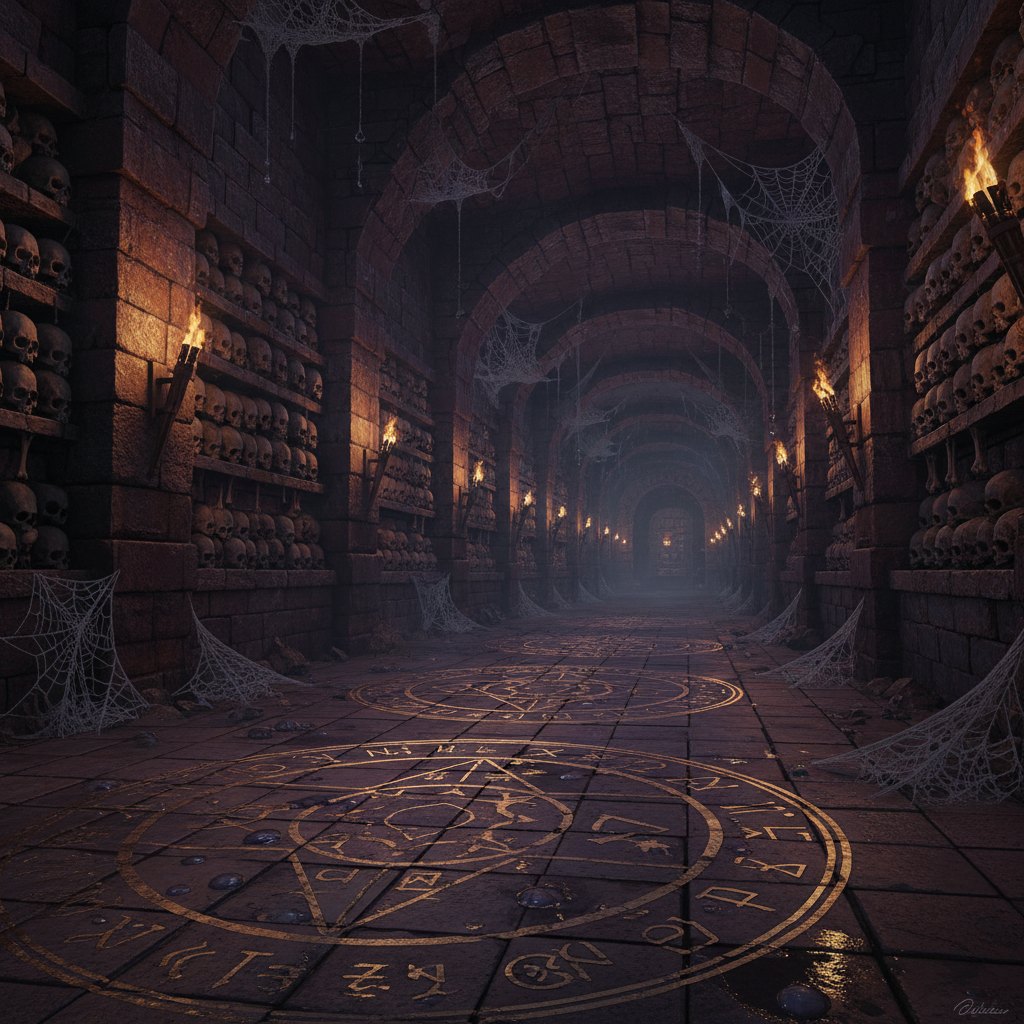
The Catacombs
Dungeon
Items & Artifacts
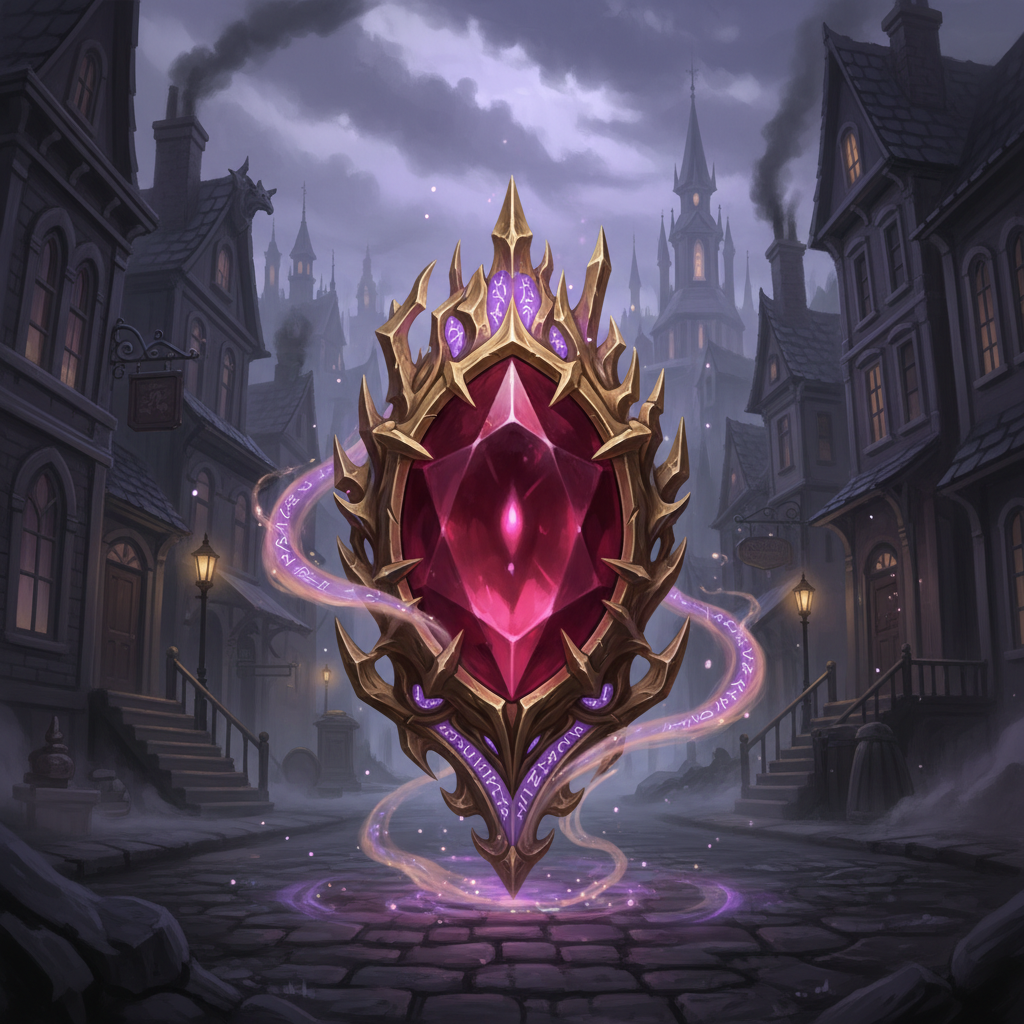
Gem of Vhal'Zar
Artifact
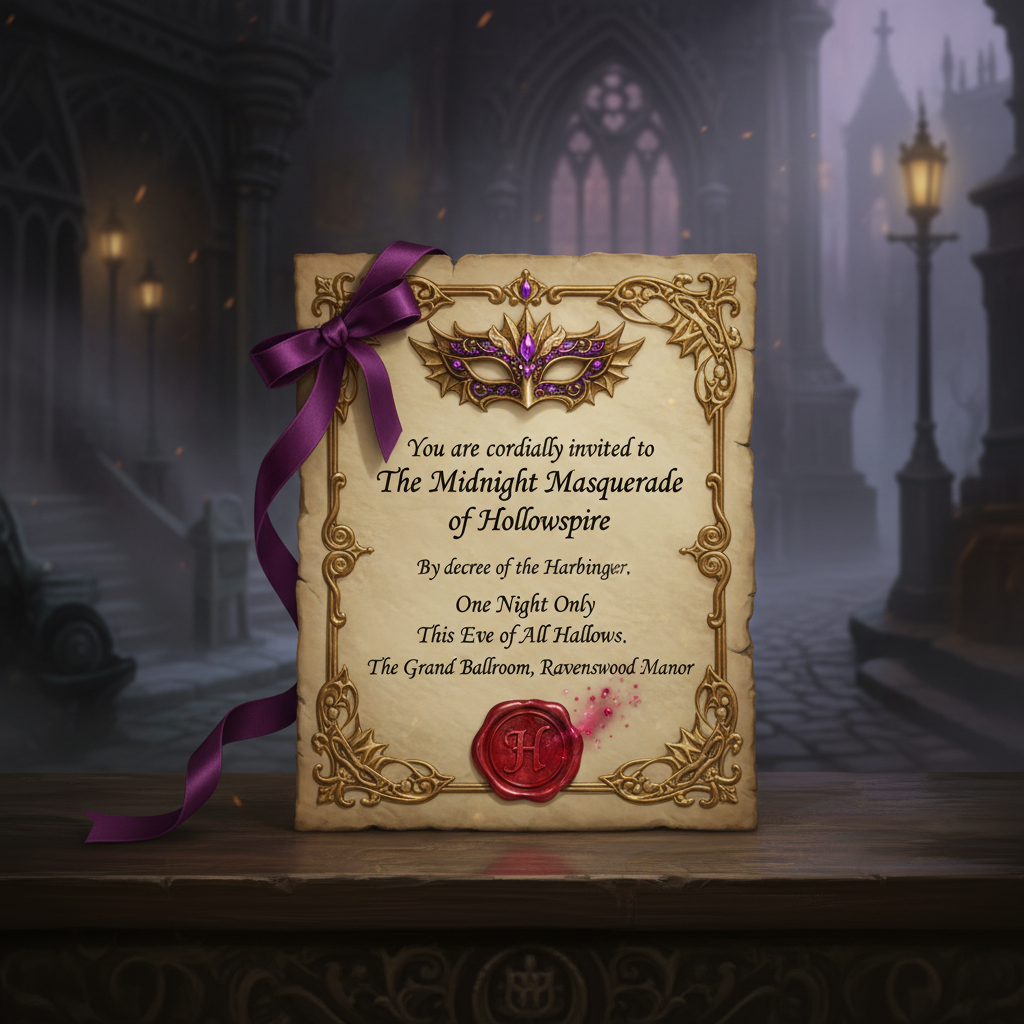
Masquerade Invitation
Document
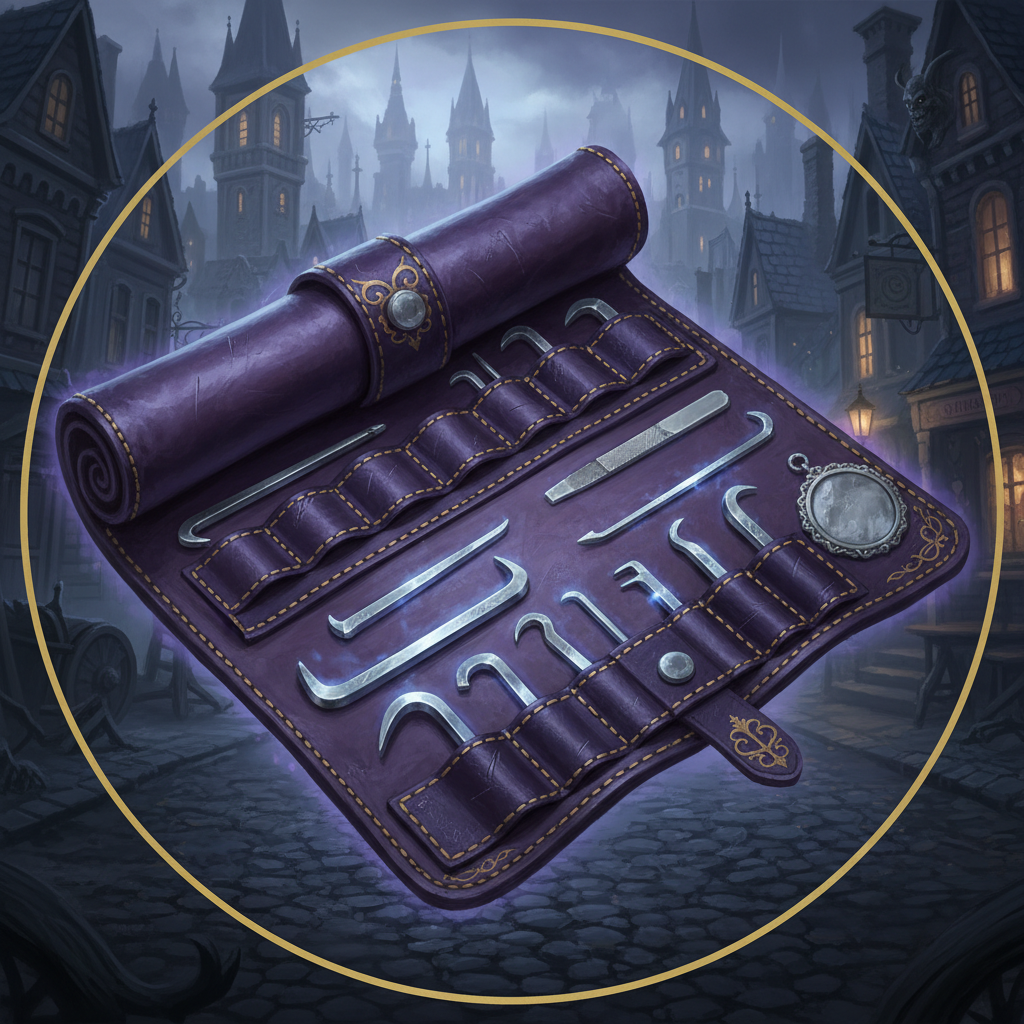
Thieves' Tools
Equipment
Maps & Floor Plans
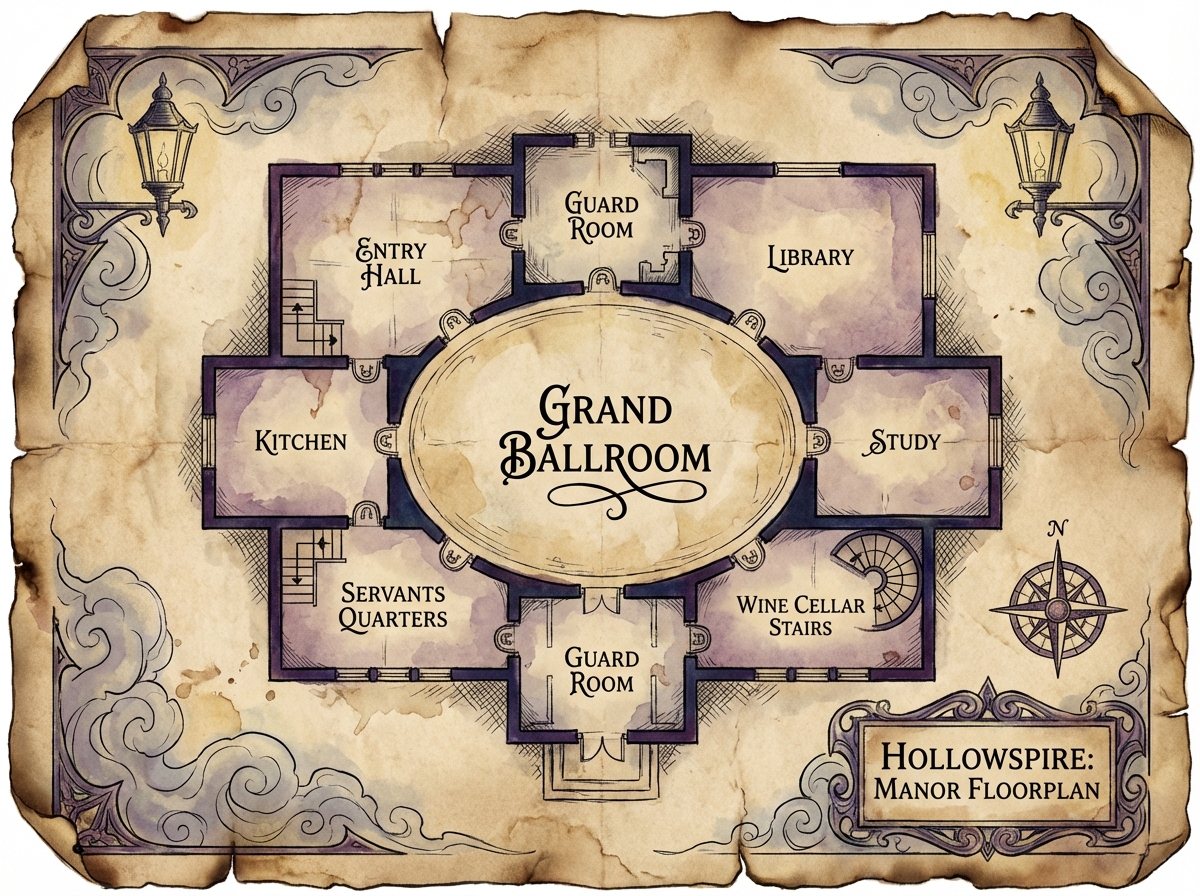
Manor Floor Plan
Map
Player Display Controls
Control what's shown on the Player Display window.